
Find the exact model
Start with the model name shown in your phone settings.
Check the model, eSIM hardware and carrier lock in one guided flow. It takes about a minute and helps prevent buying a plan your phone cannot install.
Check my phoneStart with the model name shown in your phone settings.
Dial *#06# and look for an EID number.
Your phone must accept mobile plans from other providers.
A model lookup is the first check. Your purchase region, carrier lock and the Add eSIM menu provide the final answer.
Start here
Use the full model name from Settings. After the lookup, complete the regional variant and carrier-lock checks below.
Device directory & verification checklist
The same model name can use different eSIM hardware in different markets.
An EID identifies the phone's eSIM hardware. If no EID appears and there is no Add eSIM option in Settings, do not purchase an eSIM for that device.
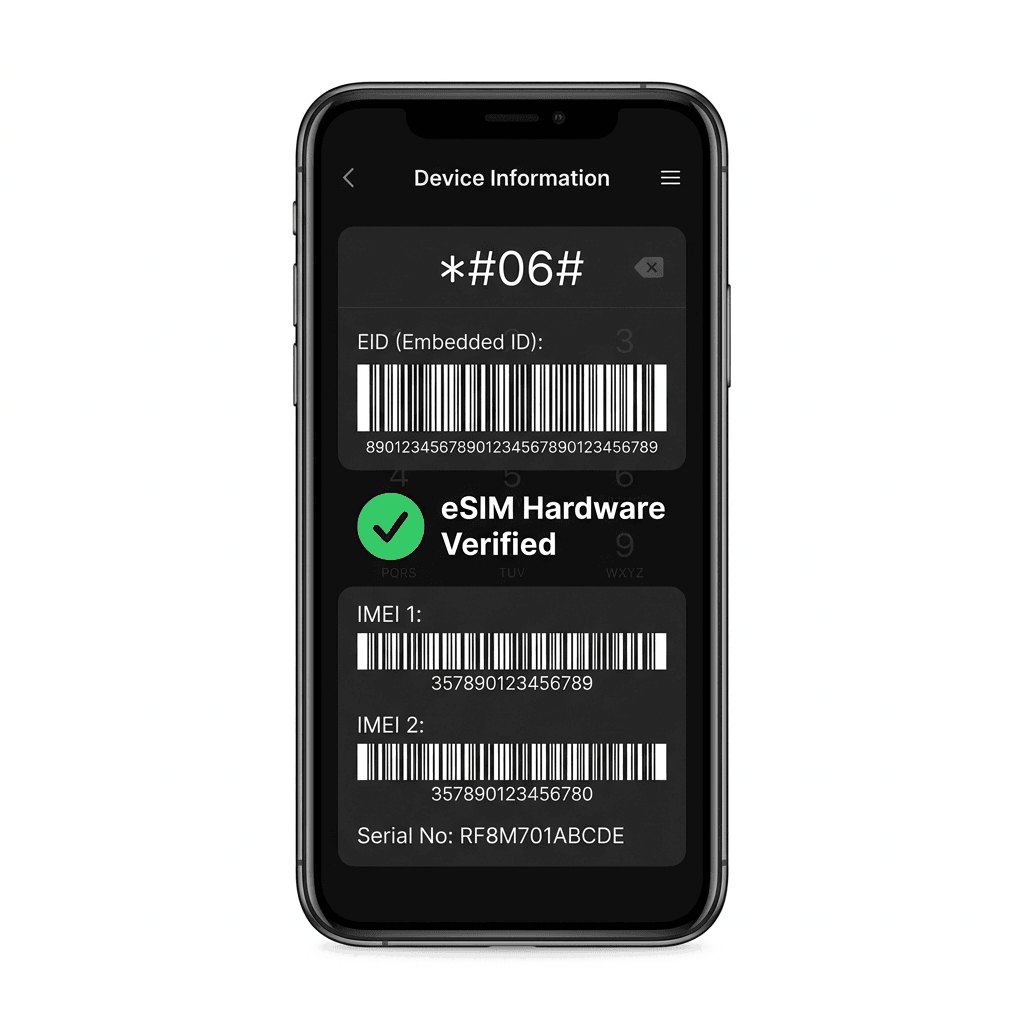
Manufacturers sometimes sell different eSIM hardware under the same public model name.
A compatible phone can still reject another provider's plan when it is network-locked.
An EID and a visible Add eSIM setting are stronger evidence than a directory listing.
Support can change by market and software version. When anything is unclear, confirm the exact model number and settings on the device itself.
Choose the data allowance and validity period that match your trip.